
Disconnect the laptop from all power sources.
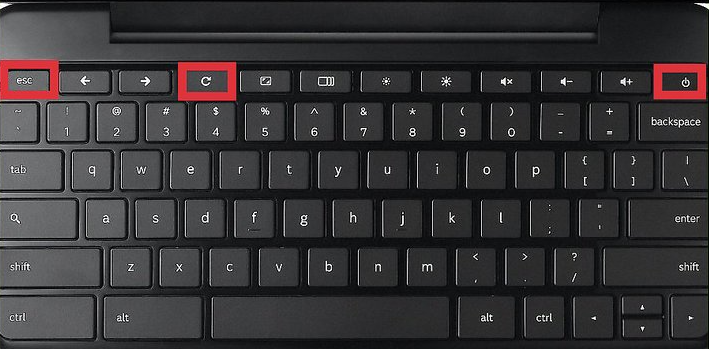
Press and hold ESC + Refresh + Power Buttons for 10+ seconds
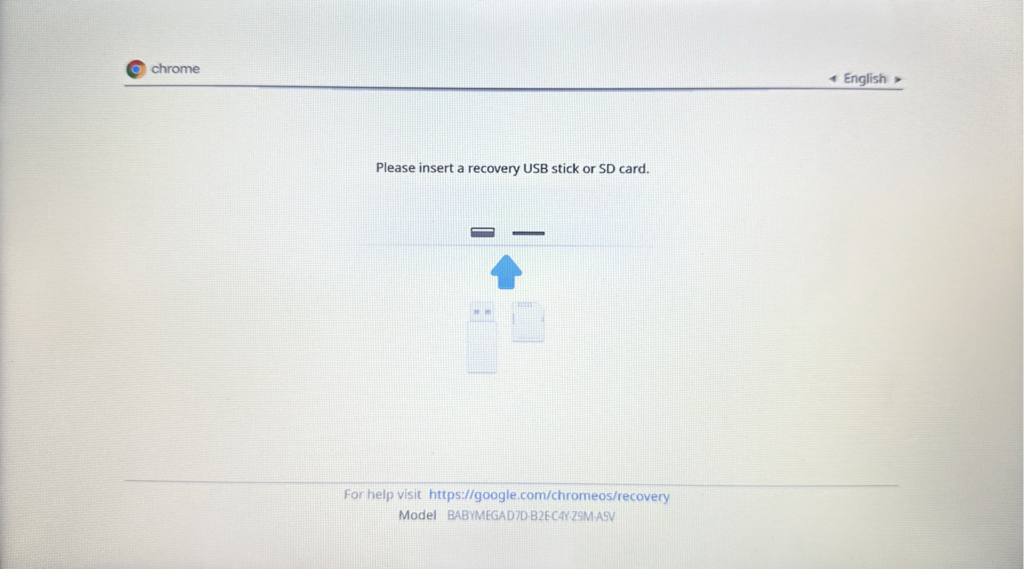
It should take you to a screen that looks similar to this:
Reboot the Chromebook
Once the Chromebook is back on, check the remaining battery level.
- If the battery level is below 50%, ensure the laptop is fully charged before resuming use.
If this didn’t work attempt to plugin a charge cord and try again
If the issue is not resolved, please submit a support ticket for further assistance.