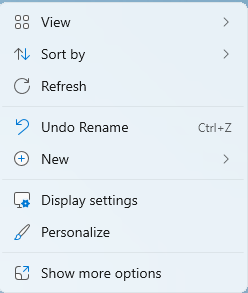
Please right click your desktop and select Display Settings
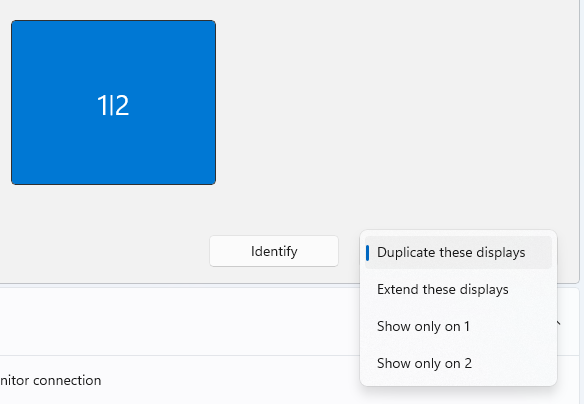
Click the dropdown and select Duplicate displays
Optional: Set display resolution to 1280×1024. This will prevent all the icons looking super large.

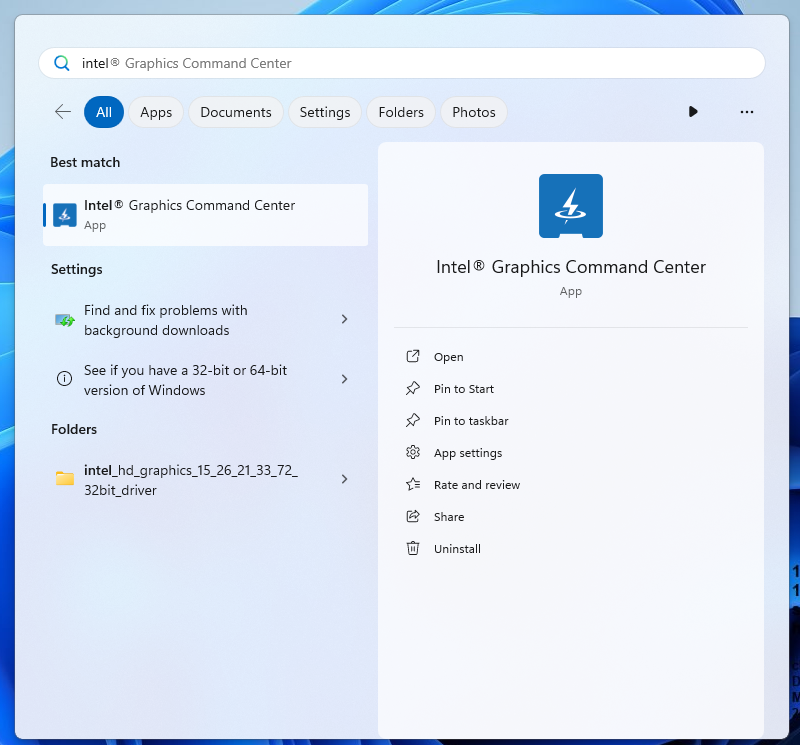
To fix the screen not fully filling up the monitor. Click Search

Search for Intel Graphics Command
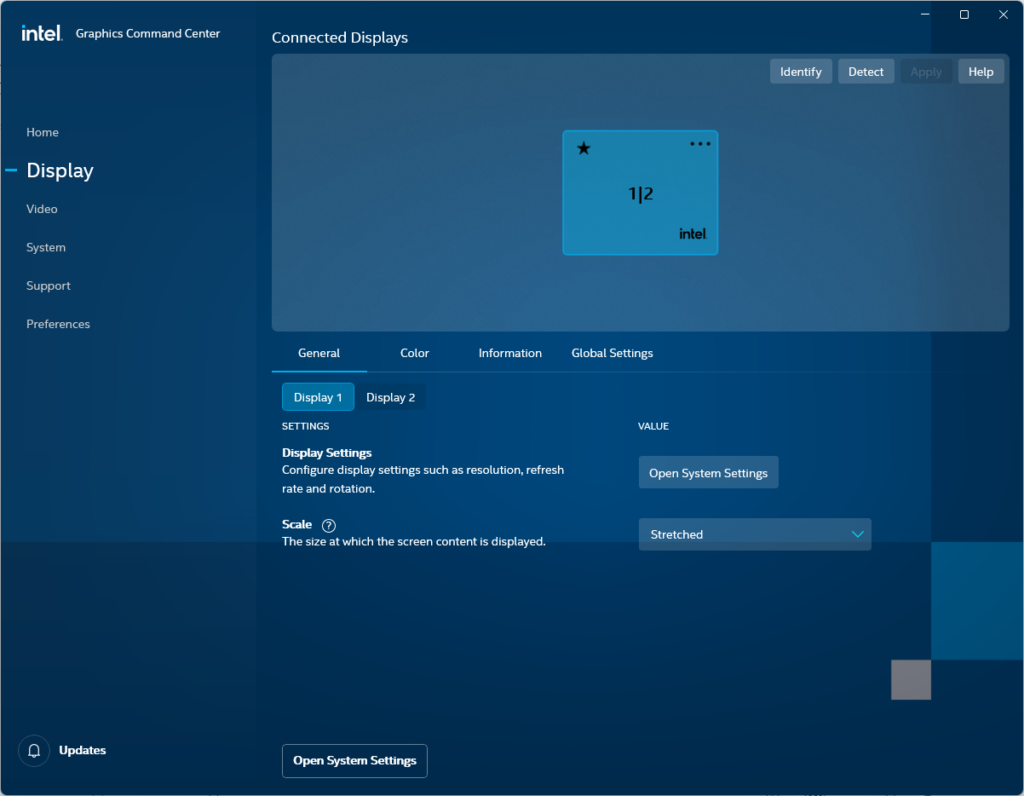
Click on Display, select display 1 or 2, click the dropdown under scale and select Stretched
Need more help?