
Set Private Print code
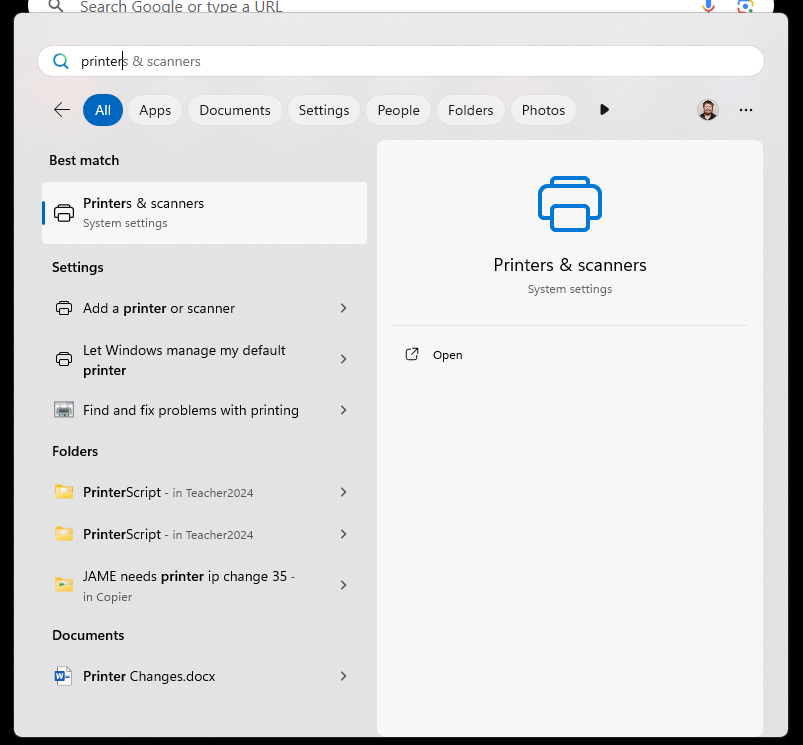
First click the magnifying glass beside the start button at the bottom of the screen

Search Printers & Scanners and click it
Select the printer
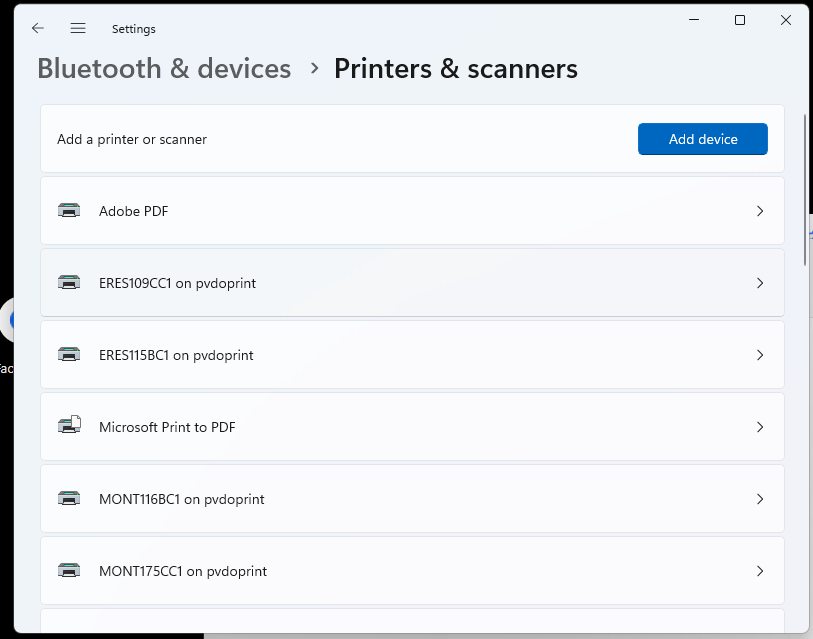
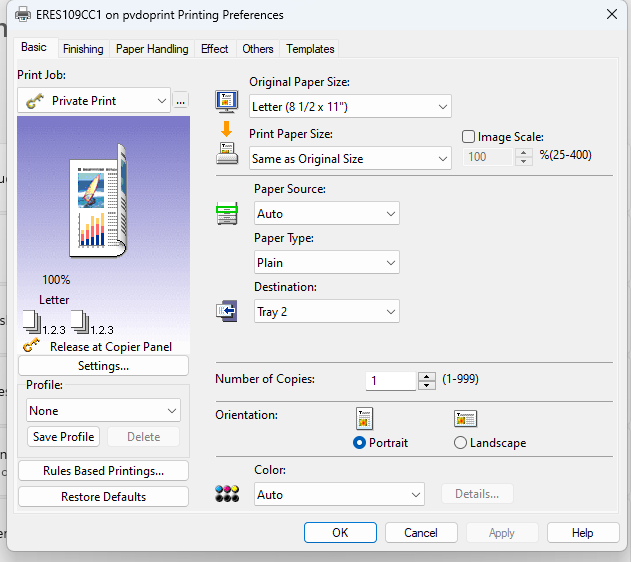
Select Printer Preferences

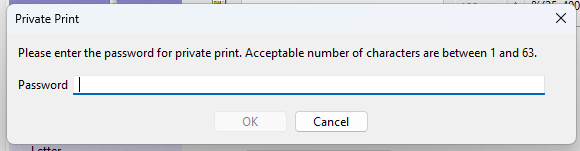
Click the three dots … and enter your Private Print code
Enter your code and hit ok
Set Department Code
While still inside the printer preferences. Select the Other Tab
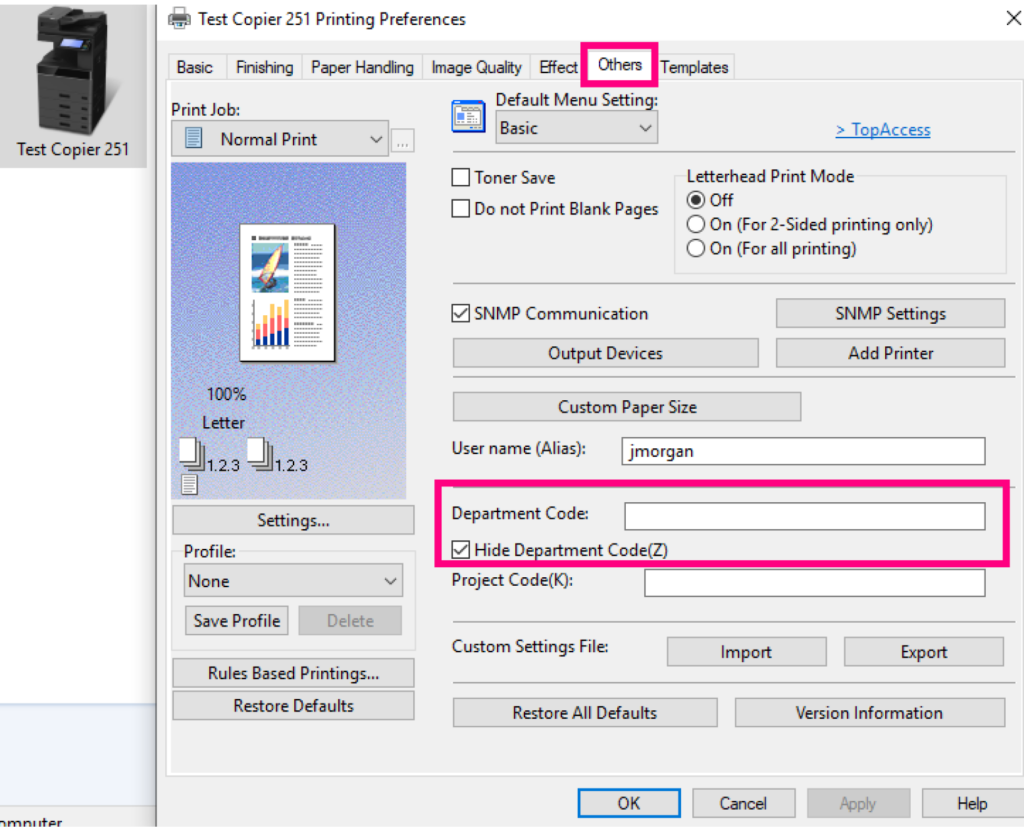
This is where you enter your department code and click “apply” then “ok”
This will hard code your department code and private print code for that printer.